Your prototype,
on their iPhone.
Hit Publish, and anyone opens it from a link or QR code, running natively on their own iPhone. No TestFlight, no builds. Real gestures, real haptics, real scrolling.

How it works
From your Mac to their pocket.
From prompt to a prototype running on someone’s iPhone, in three steps.
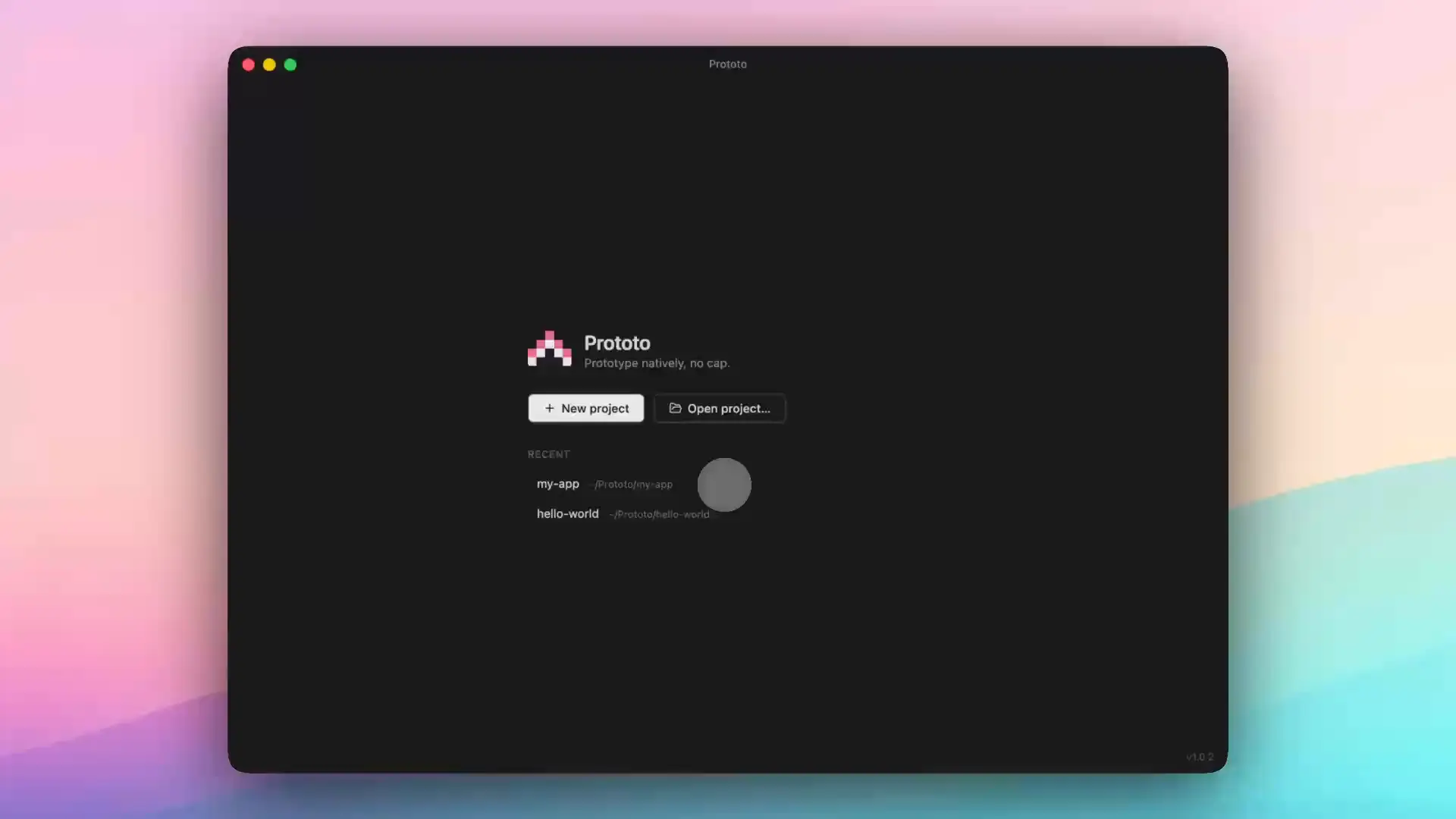
01
Prompt
Tell your coding agent what you want. It builds in the live simulator while you watch. Tap any element on the iPhone and it lands in your prompt with the file and line.
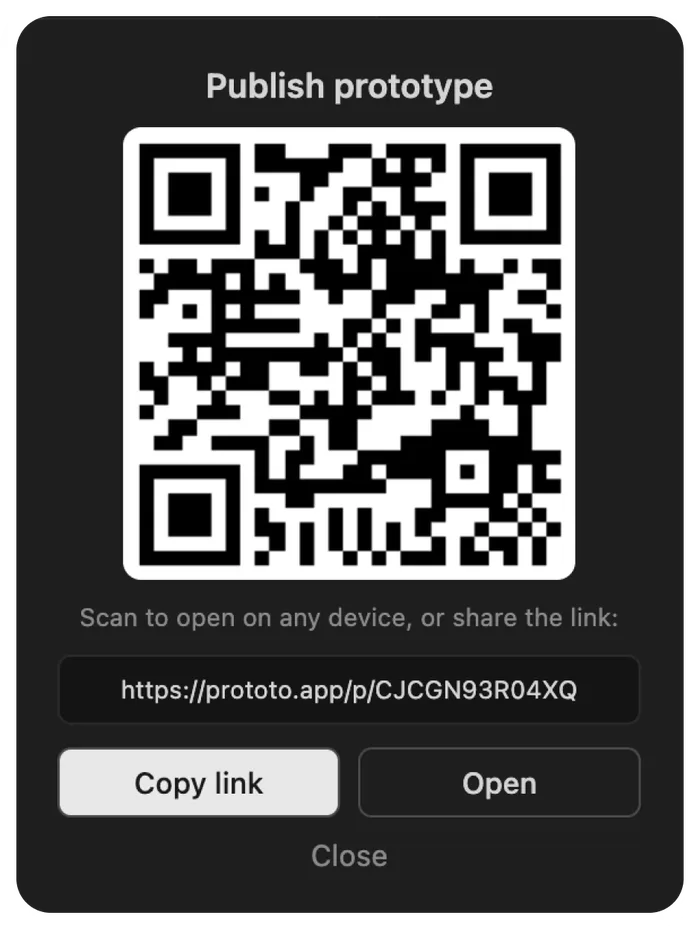
02
Publish
Hit Publish. You get a link and a QR code, and the link shows the screen itself when you paste it into Slack or iMessage.
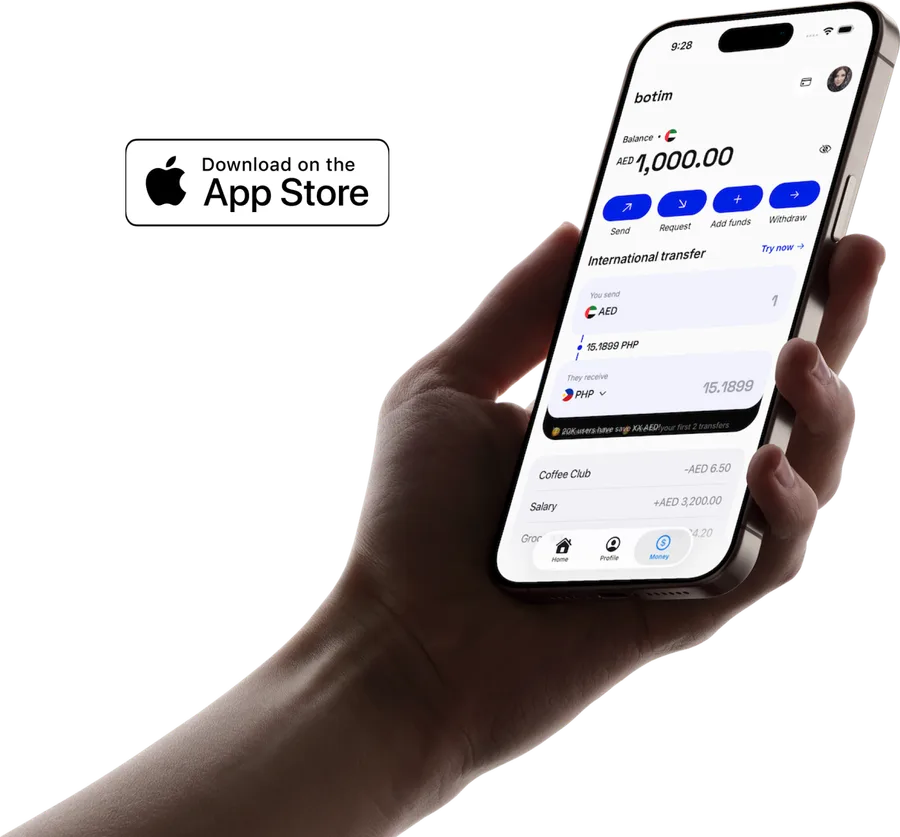
03
Preview
Anyone scans it and runs your prototype natively on their iPhone.
Why it feels real
They’ll forget it’s a prototype.
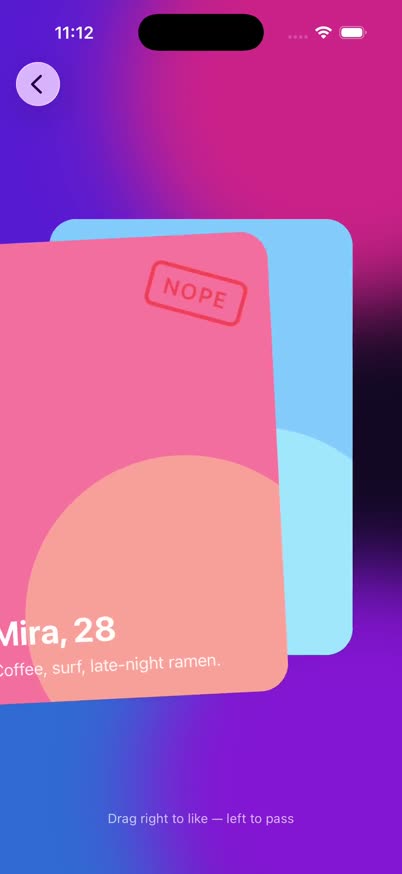
Moves like iOS
Swipe, drag, long press, pull to refresh. Native gestures and scrolling, because it's a real iOS app on their phone.
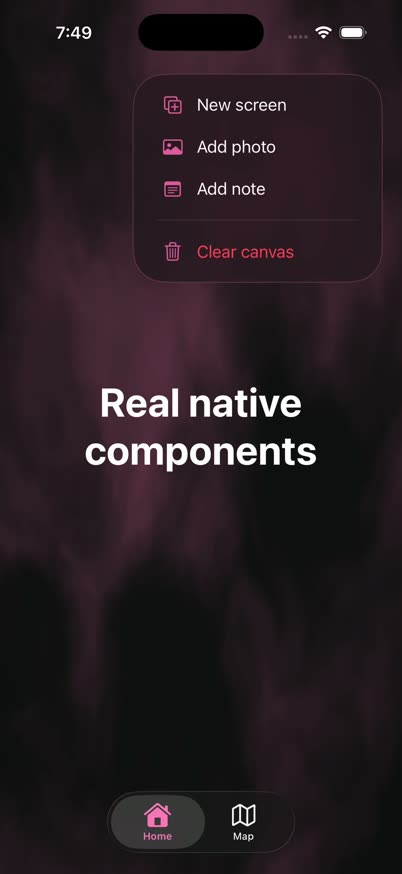
Feels like the real thing
Haptics, tilt, shake and step counts on their own iPhone. The details that hold up in a design review.
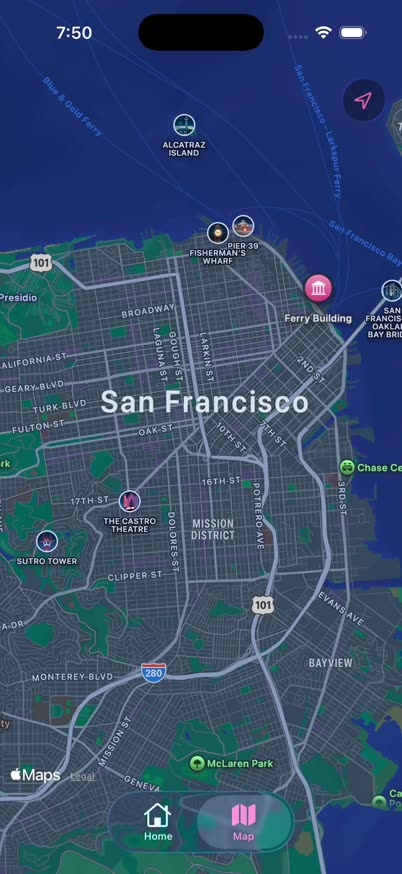
Loaded from day one
Live maps, Skia canvases and Lottie files work out of the box. No npm hunting, no build wrangling.
Beyond the link
Map the flow. Record the moment.
Prototo Flow
Every screen. One link.
Press Flow in Prototo Desktop and see how your screens connect. Anyone gets a canvas of phone frames, arrows from the button that triggers them, and a place to pin notes. Always your latest publish.
Prototo Studio
Record it. Post it.
Every plan records Studio clips. Frame a run in a 3D phone and cut a clip that's ready for your portfolio or social posts.
Protomaxxing
Do more with Plus. Build together on Team.
Building locally and running on iPhone are unlimited on every plan. Plus raises the sharing and Studio ceilings. Team gives everyone Plus, one shared library, and remix in one click, on one invoice.
Annual gets 2 months free, on both.
| Feature | Free | Plus | TeamNew |
|---|---|---|---|
| Prototypes | Unlimited | Unlimited | Unlimited |
| Publishing | 7-day trialThe trial starts with your first publish, not when you sign up. | Unlimited | Unlimited |
| Published links | Permanent | Permanent | Permanent |
| Flow link | Every screen, one link | Reviewers pin notes on it | Reviewers pin notes on it |
| Studio exports | 1080p, watermarked | 4K, GIF, no watermark | 4K, GIF, no watermark |
| Team library | Just yours | Just yours | Everything the team publishes |
| Remix a prototype | No | No | One click, with its lineage |
| Billing | Free | $8/mo | $16/seat/mo, one invoice |
FAQ
Questions, answered.
What is Prototo?
Prototo is the AI-native prototyping tool that runs natively on real iPhones. You describe screens to Claude Code or Codex in Prototo Desktop, then hit Publish for a link or QR code that anyone opens with the free Prototo app on iPhone, where the prototype runs natively. No TestFlight, no builds.
What is AI-native prototyping?
AI-native prototyping is building a prototype by describing it to an AI agent in plain language, then refining it by using it and describing changes. The prompt replaces the canvas. Prototo applies this to iPhone apps, so the result is a native iOS prototype instead of a web page.
Can I share an iPhone prototype without TestFlight?
Yes. In Prototo Desktop, click Publish to get a link and a QR code. Anyone opens it in the free Prototo app on iPhone and the prototype runs natively. There is no developer account, code signing, upload or beta review.
How is this different from running my prototype in the iOS Simulator?
A Simulator build stays on your Mac, and getting it onto someone else's iPhone normally means a developer account, signing and TestFlight. Prototo gives you the live Simulator preview while you build, and one Publish button to put the same prototype natively on anyone's iPhone.
How is Prototo different from Figma Make, ProtoPie, or Origami?
Figma Make previews run in a webview. ProtoPie and Origami are canvas-based and not prompt-driven. Prototo is prompt-only and renders a real native iOS app, with no canvas and no IDE. You describe a screen to Claude Code or Codex and it runs native on a real iPhone.
Is Prototo an alternative to Play?
Yes. Play was an award-winning native prototyping tool for designers that wound down in 2026 after Apple acquired the team, so it is no longer available. Prototo fills the same gap: native iPhone prototypes, built by describing them to Claude Code or Codex and shared as a link that runs natively on any iPhone.
Do I need to know how to code to use Prototo?
No. Claude Code or Codex is the design tool. You describe what you want and it writes the native iOS code into your Prototo project for you.
What do I need installed to use Prototo?
A Mac with Apple Silicon, Xcode (free, one-time install for the iOS Simulator), and Claude Code or Codex. Download Prototo Desktop and it sets up your first project beside a live iPhone preview.
Does Prototo work with Figma?
Yes. Prototo works with Claude Code or Codex, and both can connect to the Figma MCP server. Once it is connected, you can bring your Figma designs over and your coding agent rebuilds them as real native iOS layouts, instead of starting from a text prompt.
Does Prototo work on Android?
Not yet. iOS shipped first; Android support is on the roadmap. The codebase already uses a cross-platform native foundation (Expo / React Native) so one codebase will eventually run on both.
Can I publish a Prototo prototype to the App Store?
No. Prototo builds front-end prototypes: real native screens, gestures and motion, without a backend, accounts or live data. Leaving those out is what makes it fast to build and share. Prototypes run inside the free Prototo app on iPhone. For a complete app you can ship to the App Store, check out Expo (expo.dev).
How fast is the first prototype?
Minutes. Download Prototo Desktop and it sets up your first project with a coding agent beside a live iPhone preview. You build with your own AI subscription like Claude Code or Codex CLI, so there is nothing extra to buy. Describe what you want and it hot-reloads straight into the preview.
How much does Prototo cost?
Building prototypes locally is free and unlimited. Paid plans only cover sharing them. Plus is $8 a month or $80 a year. Team is $16 per seat a month or $160 a year: everyone gets everything in Plus, the team's published prototypes share one library, and it all sits on one invoice.
Do I pay extra for AI with Prototo?
No. Prototo uses your own Claude Code or Codex subscription, so your prompts run on the plan you already have with Anthropic or OpenAI. Prototo doesn't sell AI credits or charge for AI usage. Its paid plans only cover sharing.
Why does sharing a prototype cost money?
Building prototypes locally is free. Sharing hosts your prototype in the cloud so anyone can run it natively on their iPhone with the free Prototo app, and that hosting costs money. Paid plans cover it, in exchange for shares that are completely native rather than recordings or clickable mockups.
How do people view a shared prototype?
Recipients open the share link with the free Prototo app on iPhone, and the prototype runs natively on their device.
How long do Prototo share links last?
Share links are permanent and never expire. Once you publish a prototype, its link keeps working, and recipients can open it anytime with the free Prototo app. You can re-publish to update a link or delete it whenever you want.
Send your first one today.
Free on your Mac. Anyone with an iPhone can open it.
Free for Mac (Apple Silicon). Needs Xcode and Claude Code or Codex.